MyE911 Client
RedSky offers a desktop client called MyE911 that is used by the end-users to set up their own location.
The user must be provisioned by the administrator in the RedSky portal.
The MyE911 client is recommended to be used together with Mitel SIP phones 6800 and 6900 series phones when the phones are used in Teleworker mode and InAttend Client. Using the MyE911 client gives the user a possibility to set the location when working at home, at the office, or any other place.
To set up a user, a valid email address is required.
In the RedSky portal, go to Users and then select ADD USER.
Figure 1. Users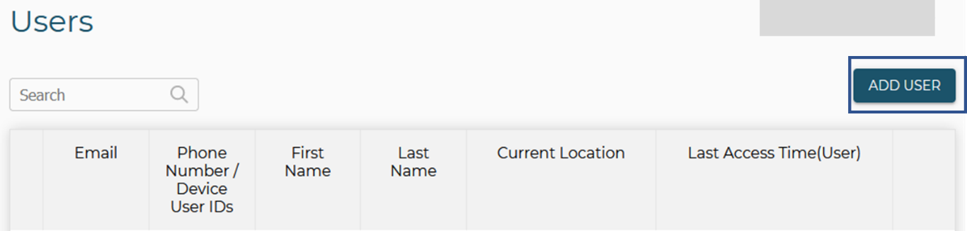
There are two different forms which to add a user; the phone number and the Alternate ID.
↑