Deploy MX-ONE by Accessing VM via Serial Console
Note: The serial console is located under the VM, Support
+ troubleshooting.
- Click on the serial console and wait the MX-ONE prompt.
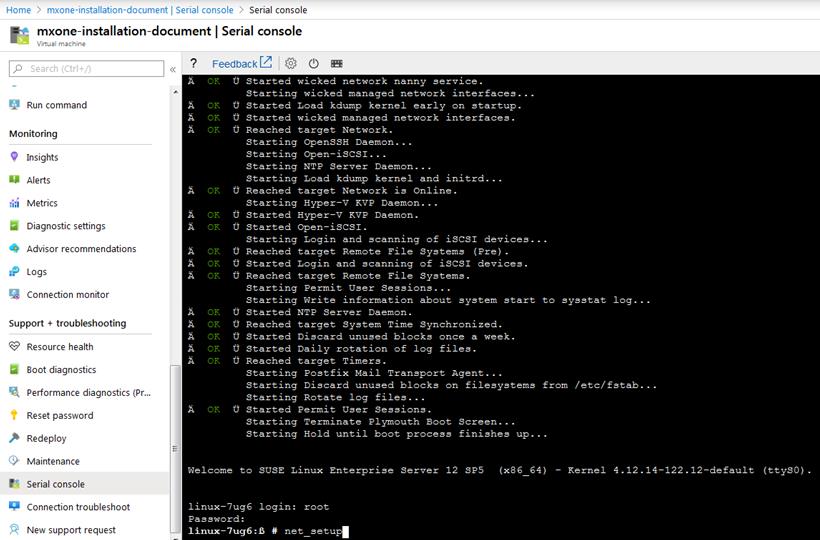
- Follow the normal MX-ONE setup described in MX-ONE CPI.
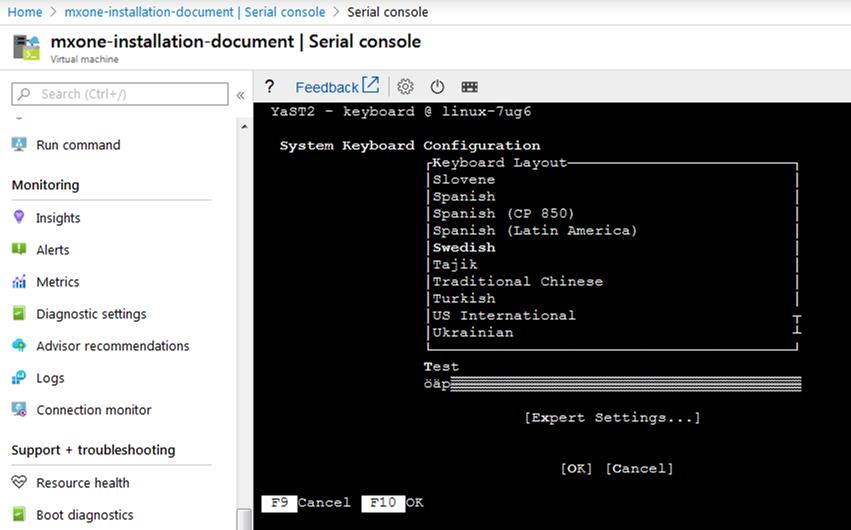
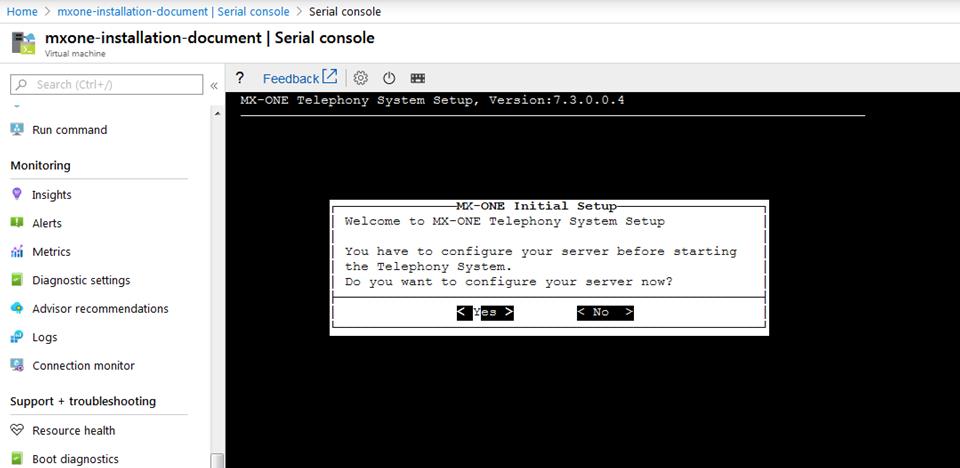 Note: The contrast in the net_setup (Yast2) is not optimal, it is the SLES behavior when console is used. So, in the initial setup, after the correct setting is done, use F10 to select OK instead of tab.
 Note: During the initial installation, the test of default gateway will fail, because Azure does not have a formal default gateway. So, when setup shows the question below, type Yes.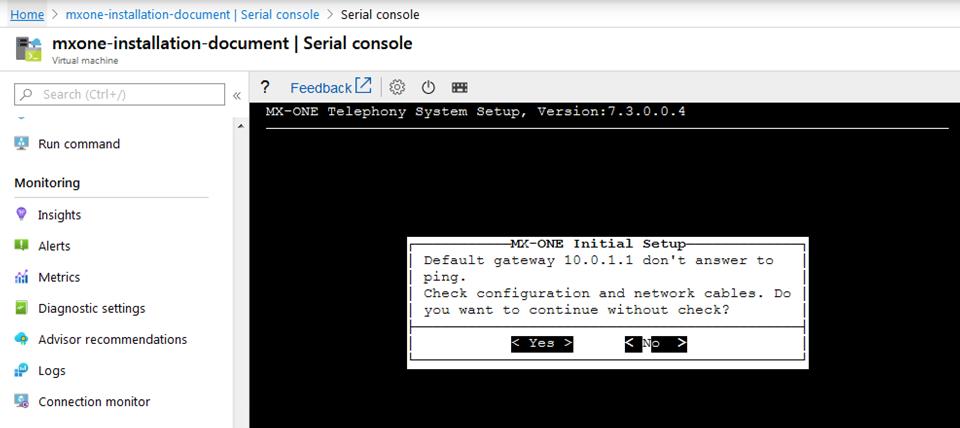
- Complete the remaining setup.
When the initial setup is done, you have the possibility to access the system via SSH and finish the MX-ONE setup from there.
- Complete the system setup as a normal MX-ONE deployment.
↑