Bulk Function via Provisioning Manager Import
To use the bulk function via the Provisioning Manager, Import option, do the following:
- Login to the PM.
- Navigate to System > Data Management > Import
- On Import Source, select the type of the file to be imported.
In the following figure CSV File is selected.
Figure 1. Import Source
Expand the Import from CSV file (or any other format selected by user).
Click Choose and upload the files for Data File Departments or Data File Users.
In the following figure, the Data File Users file is uploaded.
Figure 2. Select Data File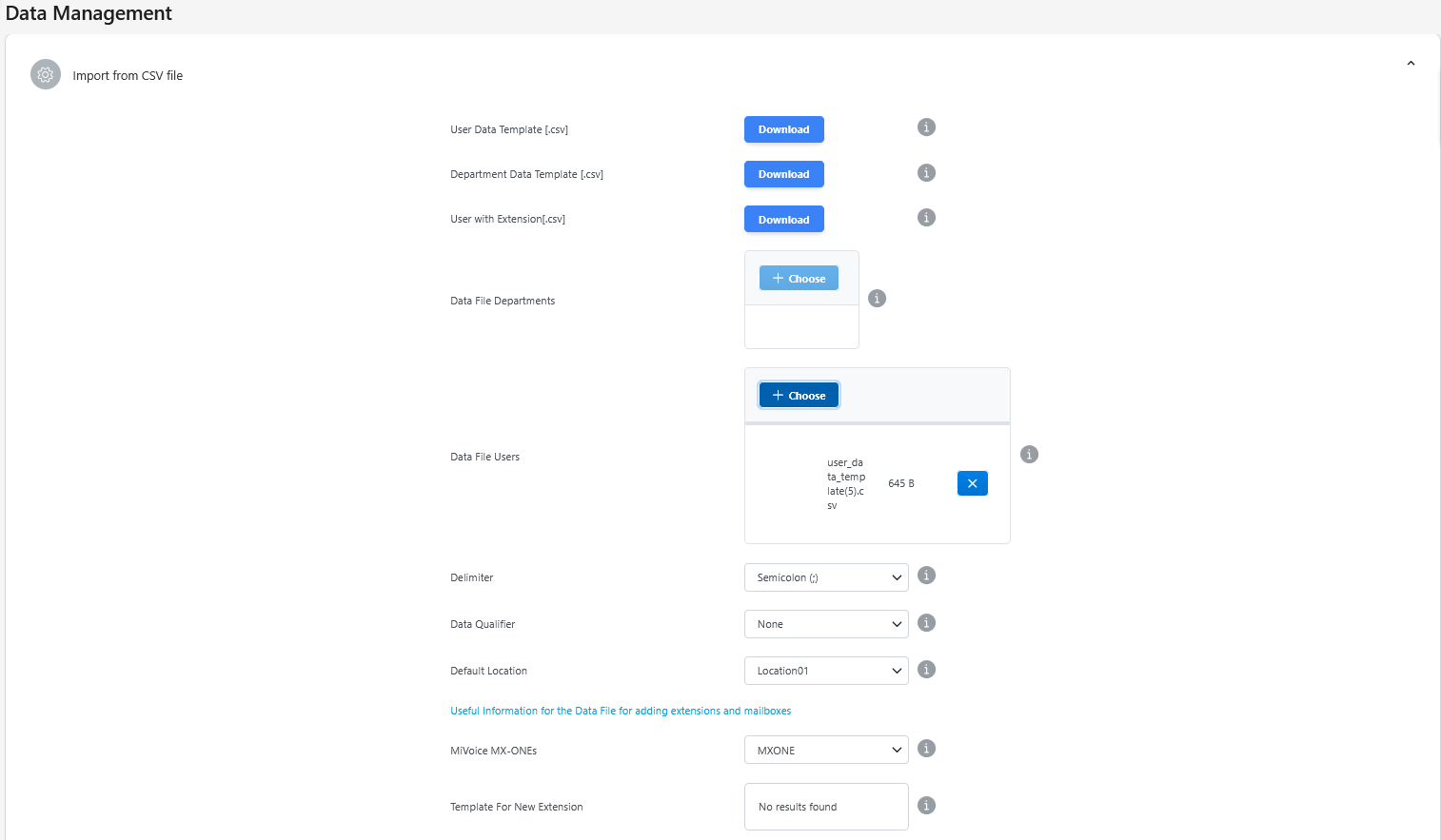
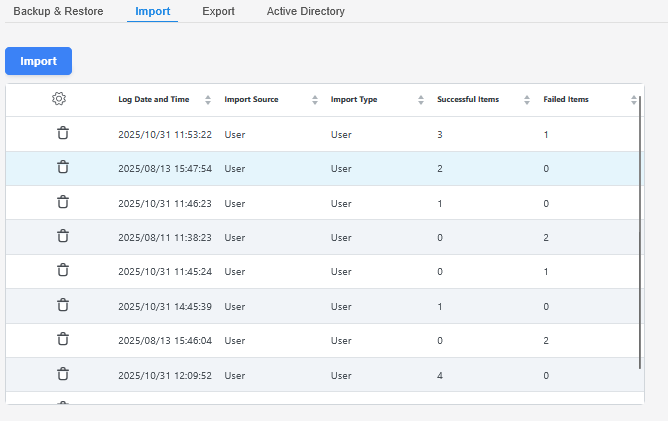
- Click Apply and the users will be imported successfully into the Provisioning Manager system and CloudLink portal.Figure 3. Import Successful
↑