Extension Number
- In SNM, go to Services> Emergency Location menu. Add the required information for the Emergency Location Id task and click Apply.Figure 1. Emergency Location ID
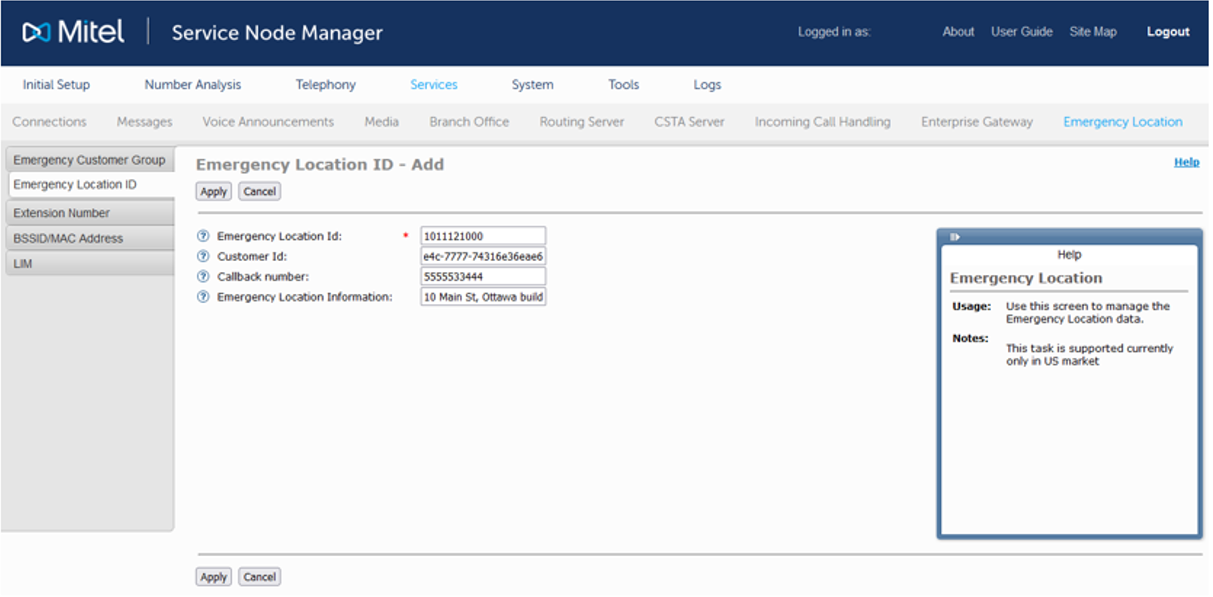 Figure 2. Emergency Location ID - Add - Result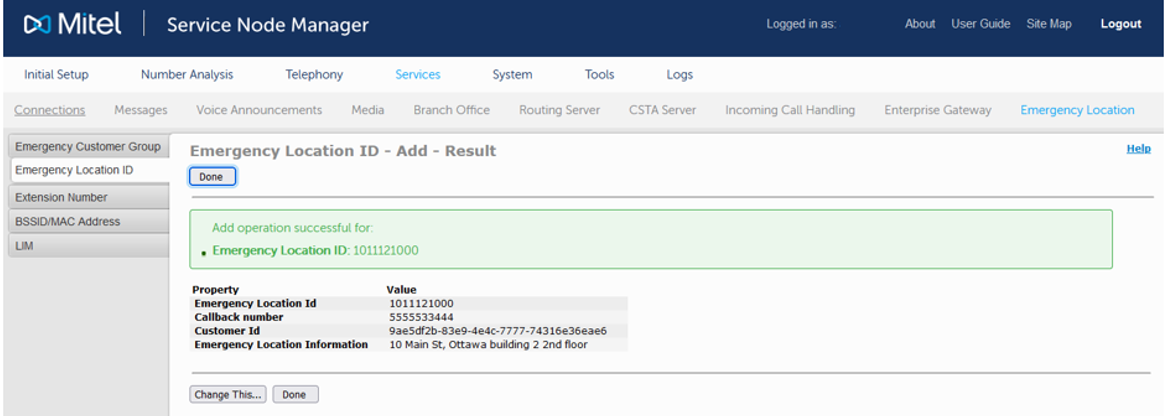
This Location ID now can be associated to a range of extension numbers.
- Select the Extension Number task to associate it to a range of extension numbers.Figure 3. Extension Number
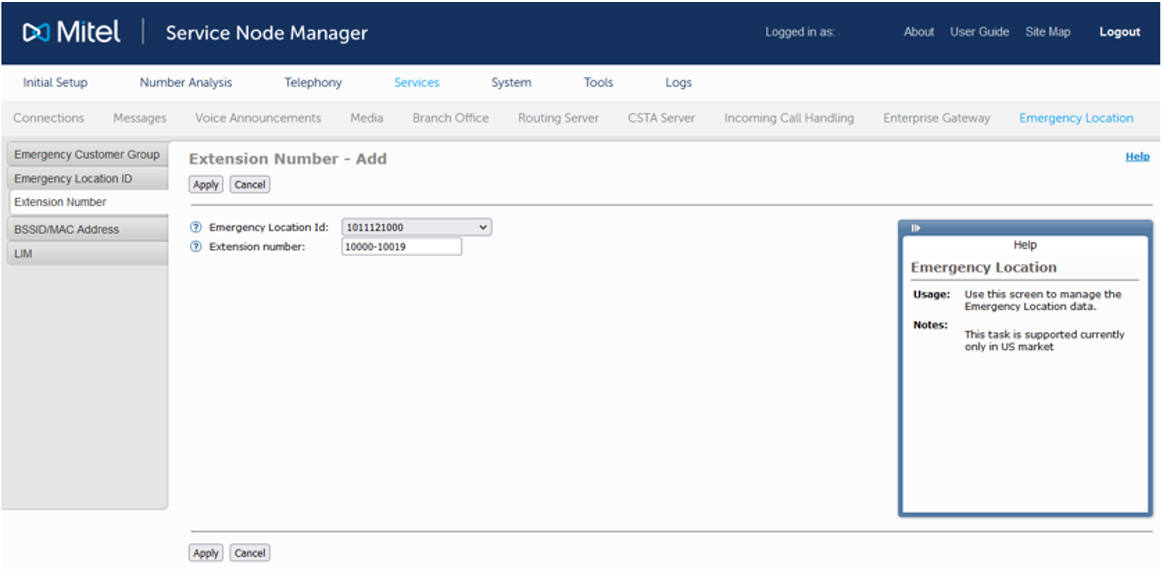
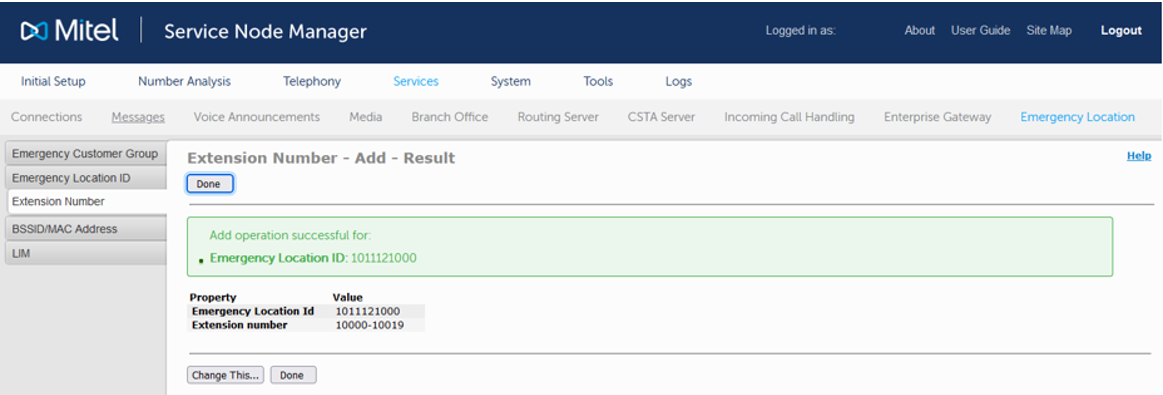
- From the drop-down list, select the previously created Emergency Location Id and enter a range of extension numbers (for example, extensions 10000 up to 10019) and click Apply to associate the Location ID with this range of extension numbers.Figure 4. Extension Number - Add -ResultThe Extension Number is successfully added.
↑