Restarting the AD LDS Instance
- Select Server Manager > Roles > Active Directory Lightweight Directory Services.
- Check for System
Services section that is displayed in the right side pane.
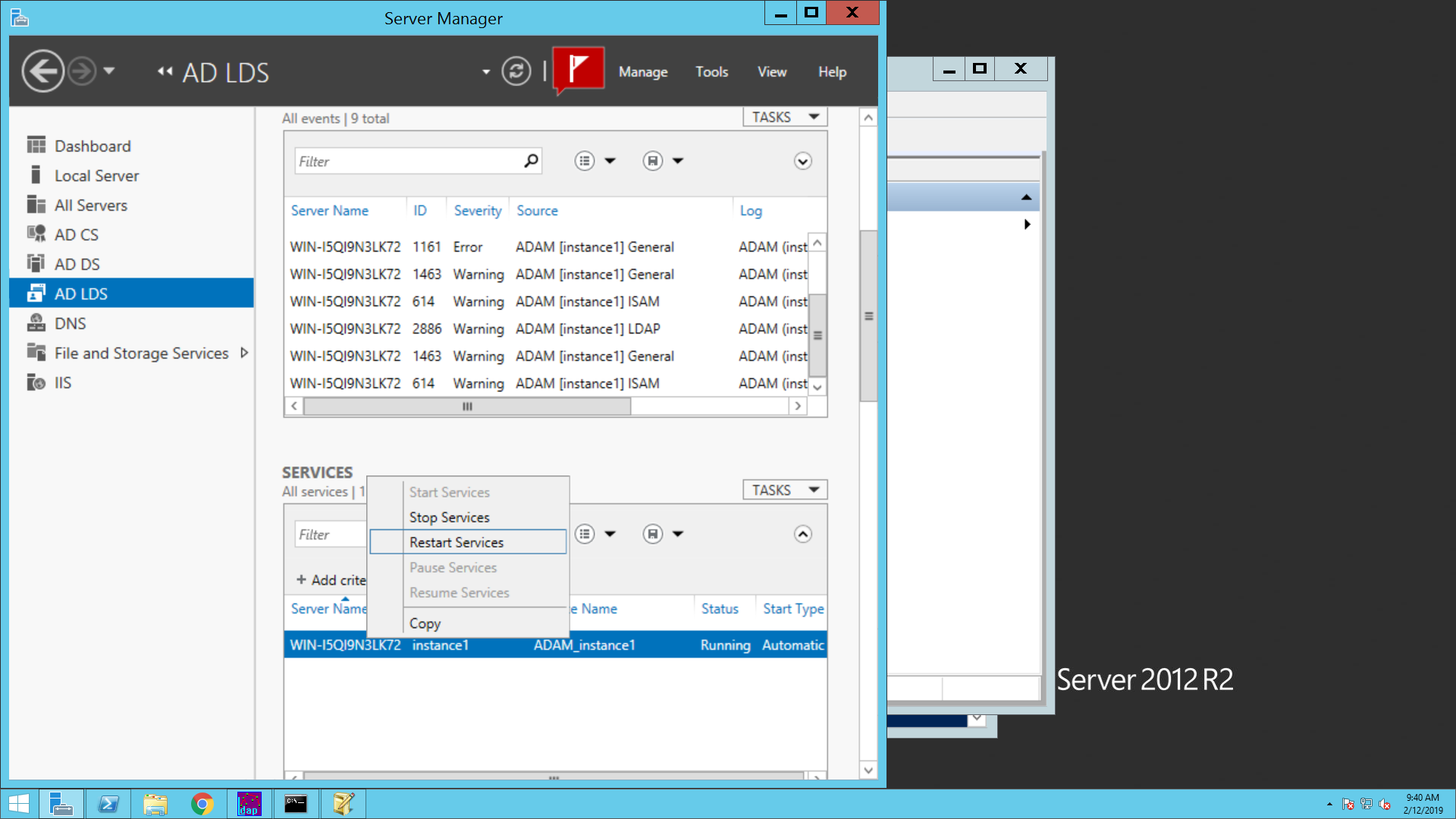
- Select the AD LDS Instance Name and right click on the AD LDS instance, select Restart/Stop – Start.
↑