Uninstalling AD LDS Instance and AD LDS Roles from Server
To uninstall AD LDS Instance from the system, do the following:
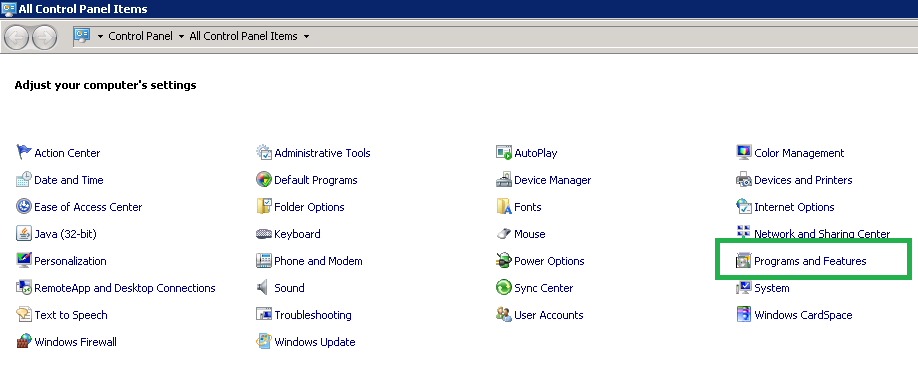
- Go to Control Panel and
select Programs and Features.
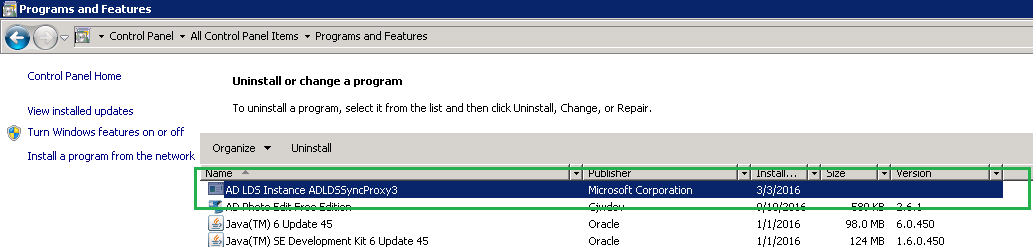
- Select the AD LDS
Instance Name > select Uninstall.
- Remove AD LDS Roles from server.
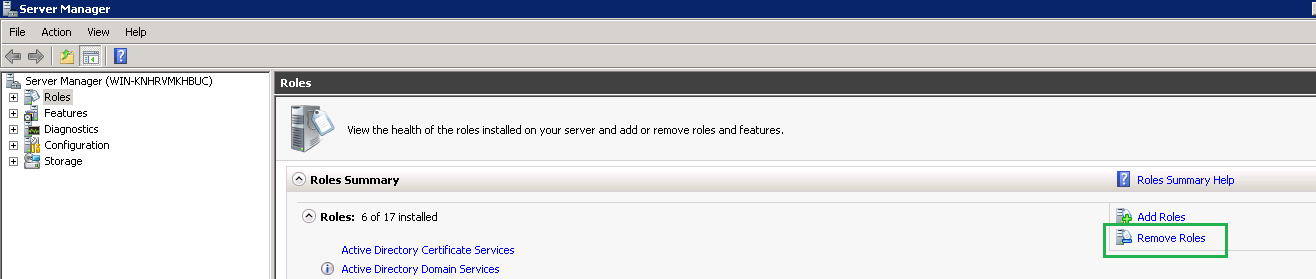
- Open Server Manager and
select Remove Roles. Click Next button in the opened
new dialog window.
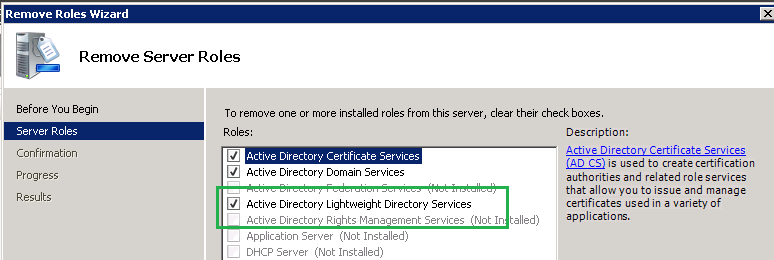
- Unselect Active Directory
Lightweight Directory Services check box.
- Click Next and then click Remove in the next dialog windows.
- Click Close when it is removed successfully.
↑